
Fulmatic PLC Programming Software
You can program Fulmatic PLCs for free with Fulmatic SOFT. You can create program blocks, function blocks, and data blocks. With Fulmatic SOFT, you can upload the project you prepare within a few seconds to the PLC and perform online monitoring. Fulmatic SOFT incorporates all the features of modern PLC programs. You can create various types of input, output, internal and data block variables. All data block variables are persistent memory areas. You can execute repetitive processes with function blocks using a single block. The user-friendly interface of Fulmatic SOFT makes coding easier and simplifies the debugging process. Fulmatic SOFT will quickly guide you to the next stage in many operations. You can find detailed explanations supported by visuals in the help pages. Supported languages: Arabic, Chinese, English, Hindi, Italian, German, Portuguese, Russian, Spanish, Turkish.
Fulmatic PLC:
You can program Fulmatic 7 PLCs with Fulmatic SOFT software. You can utilize various types of CPU modules and IO modules to meet all your automation needs. For more information, click here. Additionally, you can use your computer as a PLC with Soft PLC.
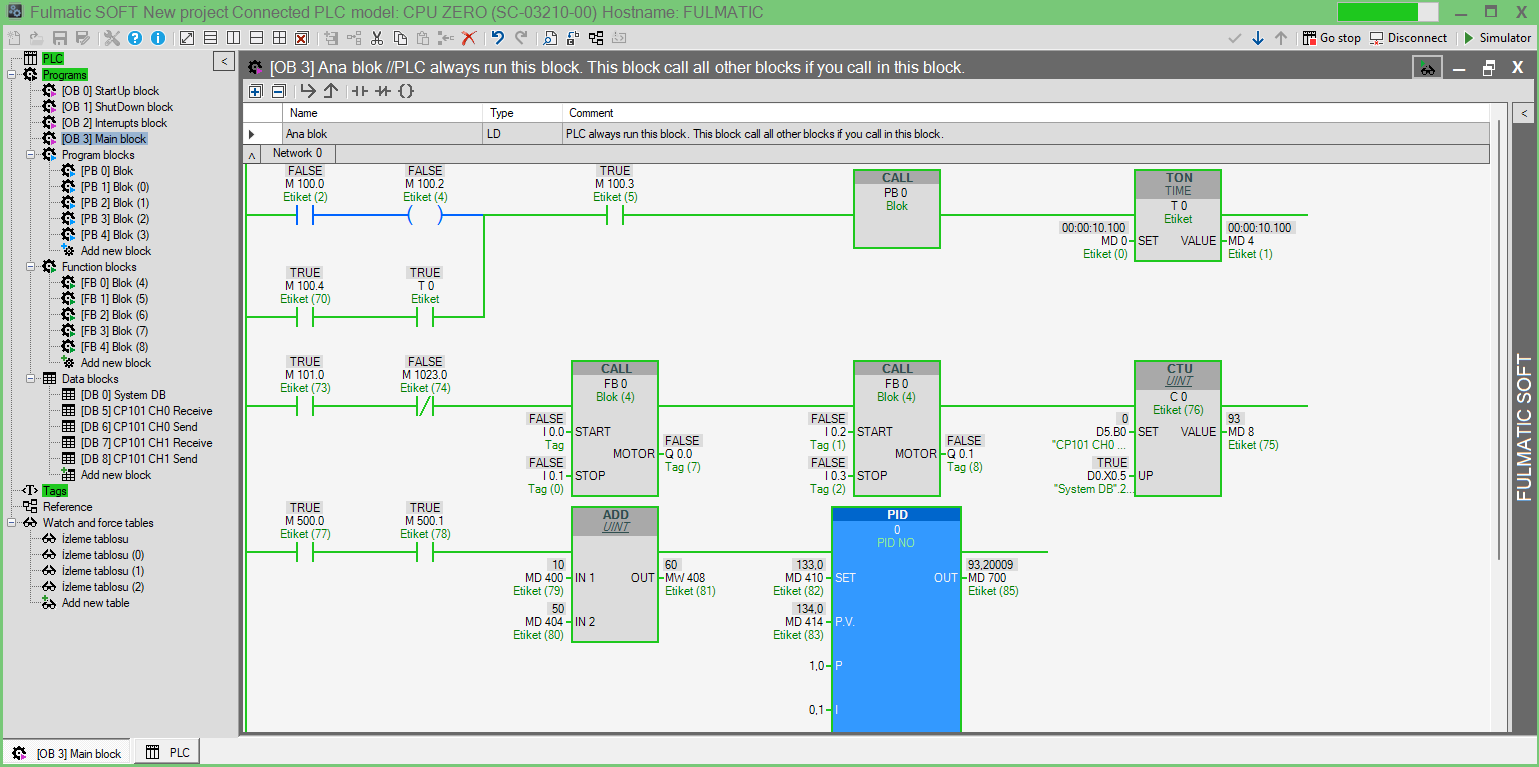
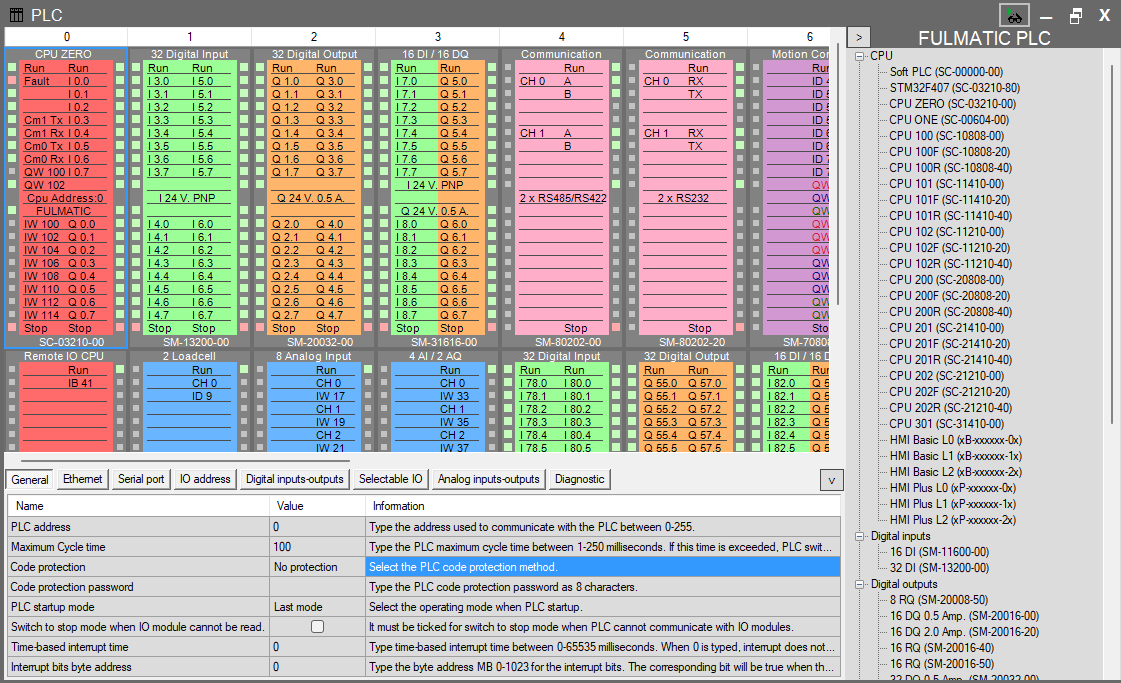
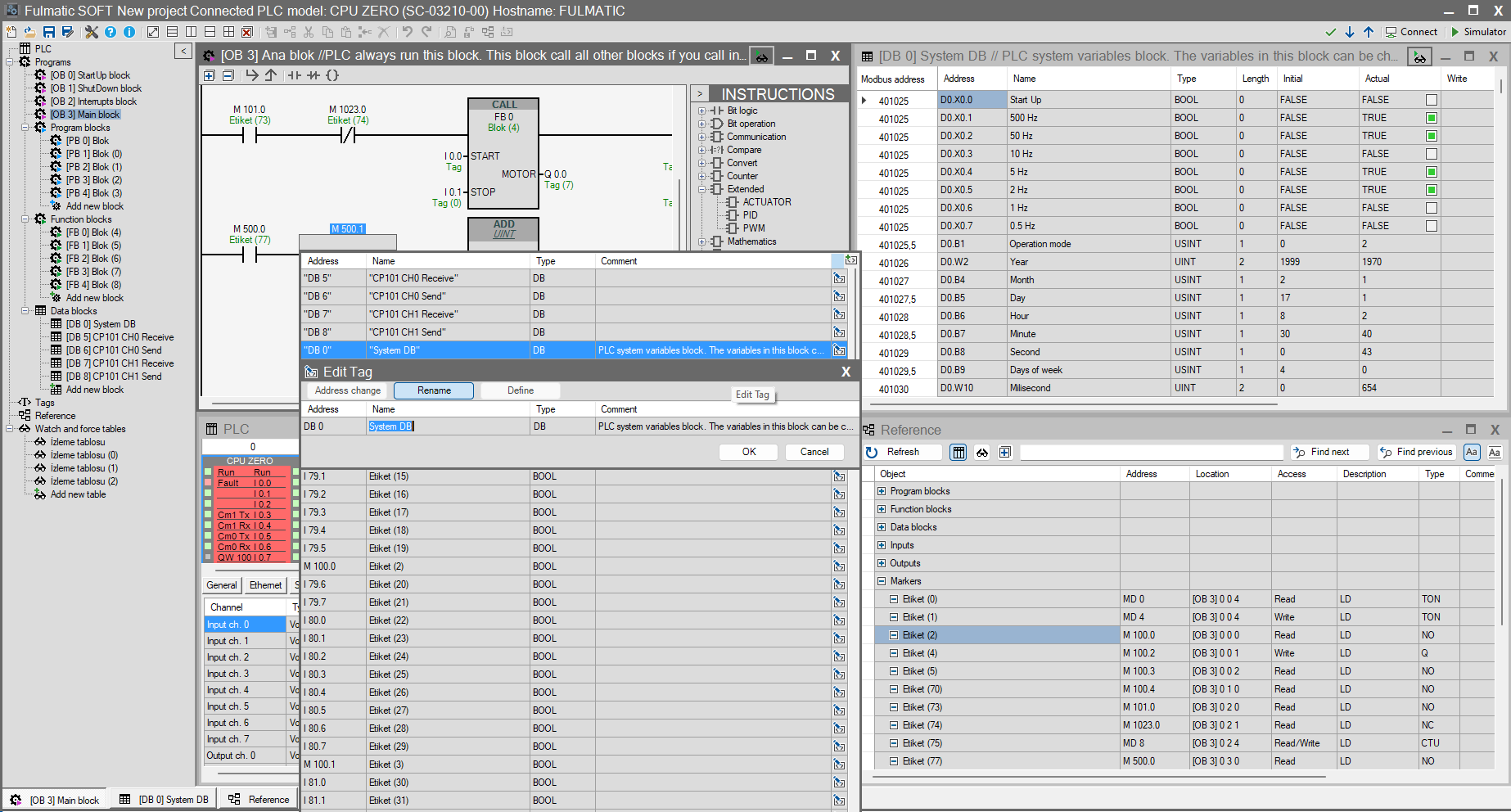
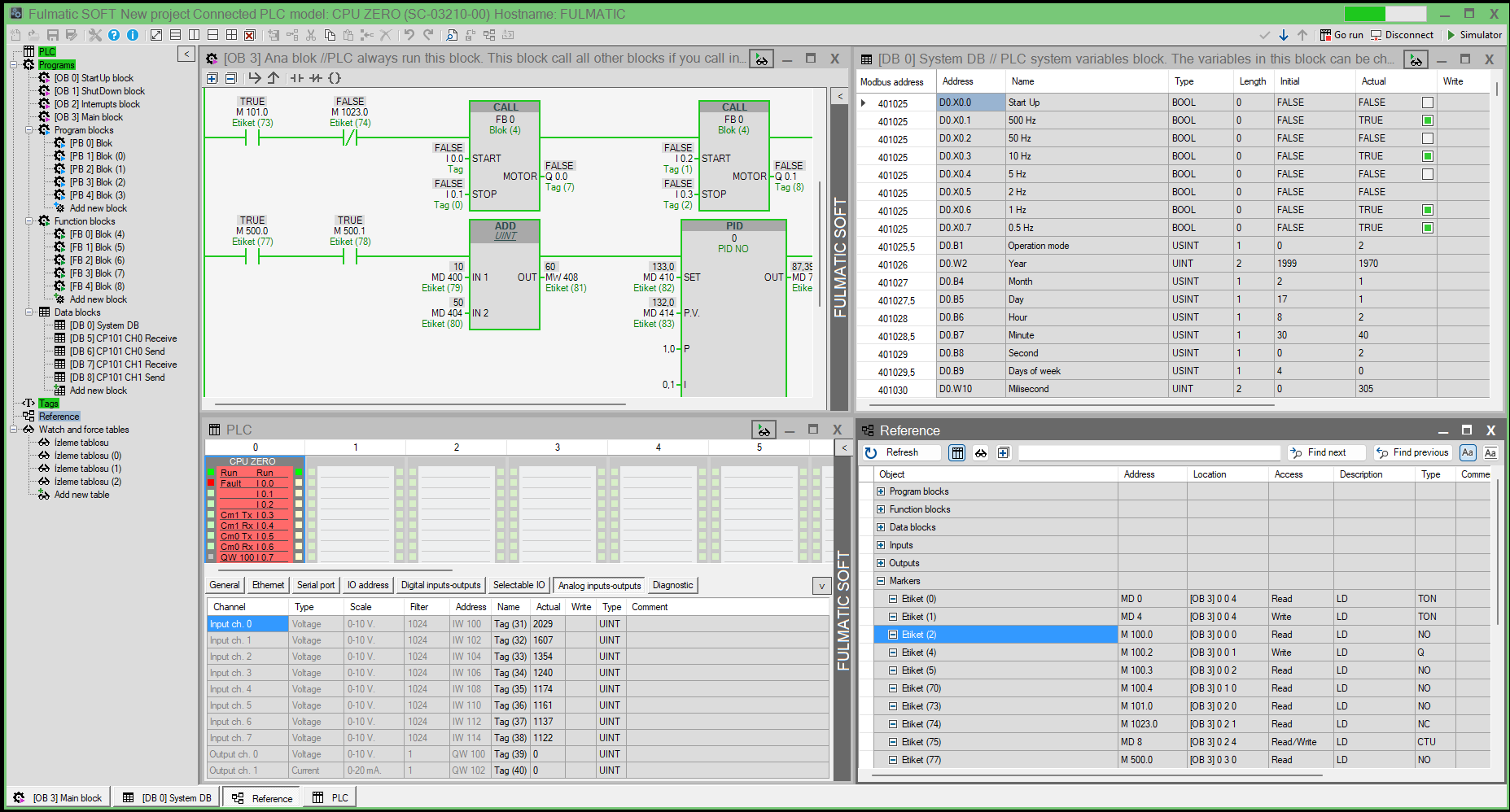

Download:
Click here to download Fulmatic SOFT (25 MB). .Net Framework 4.8 are required. .Net Core runtime 8.0.4 for simulation are required.
You can’t open PLC projects written in Speed PLC with Fulmatic SOFT. In the latest version of the Speed PLC software, there is a ‘Save for Fulmatic SOFT’ button. By using this button, you can save the project for Fulmatic SOFT and open it with Fulmatic SOFT. You can download the latest version of Speed PLC from here.
PLC Production with Fulmatic SOFT:
Soft PLC: For Computer, Raspberr Pi, Orange Pi and similar devices.
PLC Training:
Click here to visit our Youtube channel.