Focus HMI WiFi AP Hotspot
Focus HMI hotspot settings

Focus HMI hotspot settings
Printer settings on Focus HMI
Wifi settings for Focus HMI
Focus HMI panel uses SQLITE database. Automatically records and reports data. You can access database data with scripts.
You can send an e-mail in Focus Hmi using the script below. After copying the code and pasting it into the Focus HMI program, you need to correct the quotation marks. To add a file to the mail you send, you must write the file path in the Attachment parameter.
Focus HMI user password change.
Focus HMIs Vnc server password creation.
VNC server usage in Focus HMI.
In this section, we will see how to change to status of an output of plc with feature Fulmatic7 PLC Webserver. In this application explaining of a pump status as started or stopped. Status of pump can see from image area by changing pump color. And also status can see as an text on textbox,…

PLC stands for Programmable Logic Controller ”. It is the foundation of industrial automation systems. There is almost no automation work without PLC. It consists of PLC editor software (program running on your computer) and firmware (Operating system installed in the chip or board). PLC code is prepared in ladder language with PLC editor program.
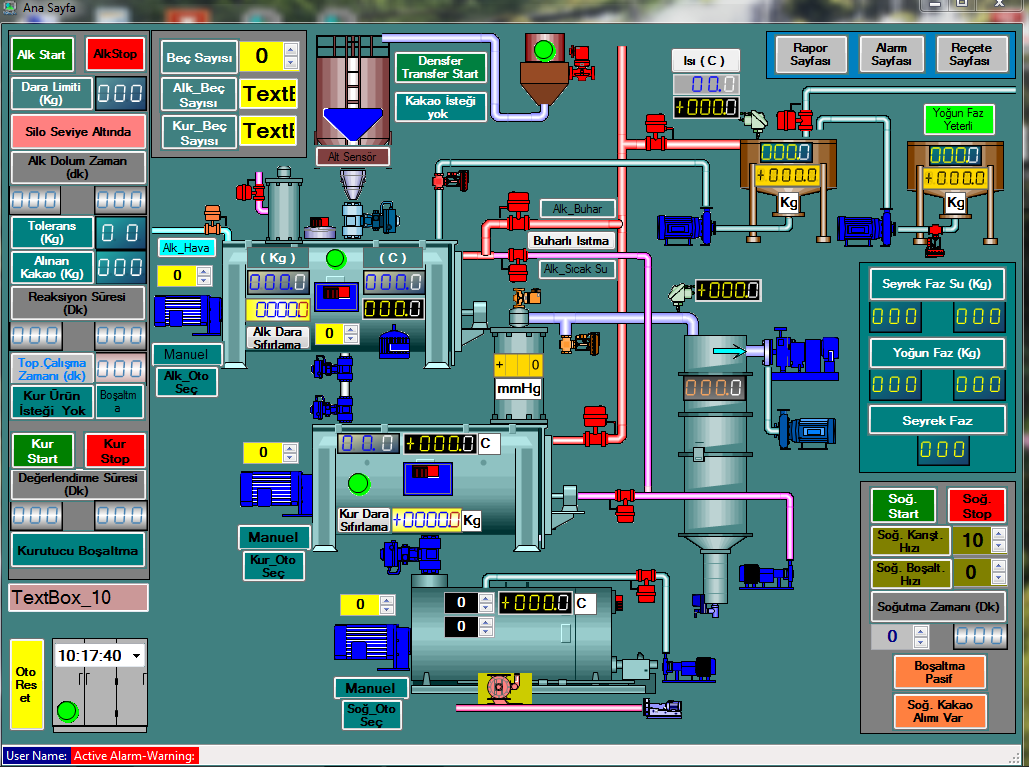
SCADA is an abbreviation for “Supervisory Control And Data Acquisition”. In this article, we have tried to explain everything about SCADA. You can watch many of our training videos about SCADA training.
S7-1200 Profinet communication settings for WinTr SCADA.